
Creating an APs replacement design has never been more accurate! Simply start with any existing survey that has Sidos AI setup. If Sidos AI isn't enabled, you can create one off any existing survey in a matter of minutes. Learn how to set up Sidos AI here.
When you create a new Planner from a completed Sidos AI Survey, all wall locations are brought in automatically. Because the design is AI-calibrated, you'll also see an option under Walls to import the measured attenuation values for each wall type.
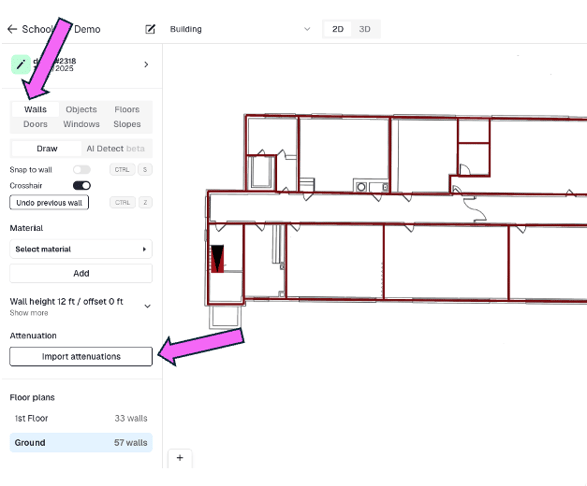
Note: You can also import attenuation values from other Planners. This is especially useful for bringing in generic wall types for predictive designs or when you want to compare designs across multiple AP vendors.
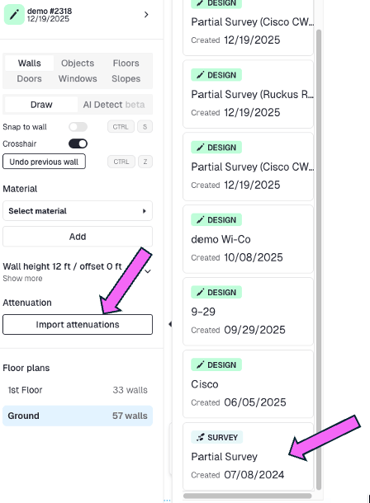
This will generate a calibrated clone of the building, including wall segments based on real measurements, floors, and all relevant parameters. The new design will inherit wall, floor, and material settings with their measured attenuation values, so you can place replacement APs exactly where you need them. Sidos supports a wide range of AP models and external antennas to match your deployment requirements.